



Playzini Mobile App
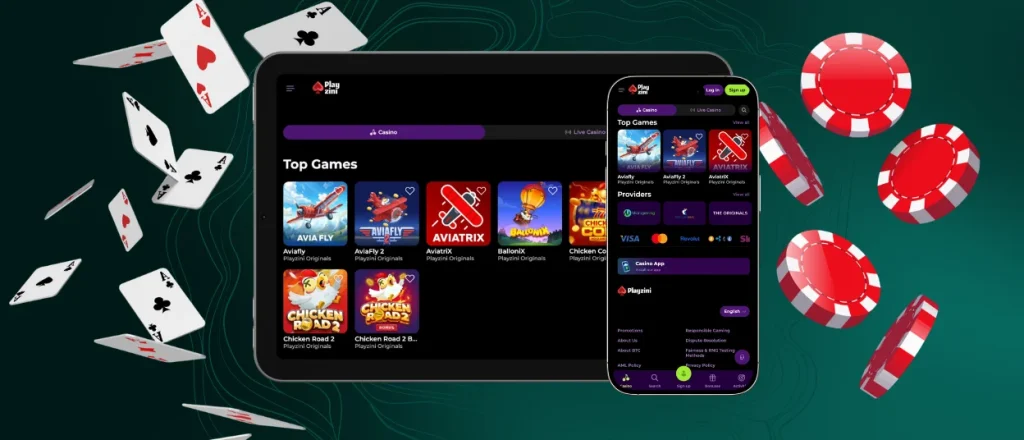
The Playzini app gives members direct access to the casino platform from smartphones, tablets and desktop devices. Our software works through PWA technology, so setup stays light and does not require a large installation package. Members open the platform from a saved icon, move through the lobby with touch-friendly controls and use mobile betting tools from a compact screen.
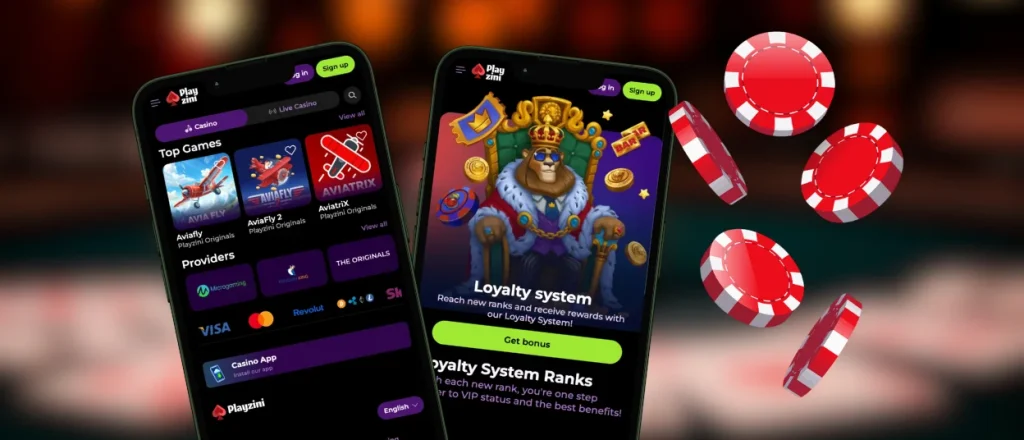
Inside the Playzini Casino app, members reach games, profile sections, bonus offers and the payment section from one mobile interface. The mobile casino version follows the same platform structure as the desktop site, but the layout adapts to smaller screens. This makes mobile slots and live tables easier to manage during sessions.



Advantages of Mobile Casino
Our Playzini app serves as a technical utility for members moving away from a stationary PC environment. Handheld hardware supports rapid lobby entry and brief gaming sessions. Desktop systems manage expanded title previews and complex page navigation.
Portability is the main advantage of the Playzini mobile app. Members open the platform from the home screen and return to the lobby without typing the site address each time. Compact menus and touchscreen controls make the mobile format practical during travel, breaks or daily play.
PC access gives more room for live dealer streams, filters and several open pages. Mobile access focuses on speed. This balance makes the Playzini app suitable for everyday mobile gambling, with desktop access kept for extended sessions at home.
Playzini App for Android
The Android app format gives members direct casino access without a heavy APK file. Android users open the Playzini website in Chrome and create a home screen shortcut from the browser. The mobile layout keeps everything readable on smaller displays.
After setup, the Playzini app keeps the installed icon connected to the official platform for repeat mobile sessions.
Install on Android
Android installation runs through Chrome and uses the browser menu instead of a separate store download. Members open the platform first, then save it as a home-screen shortcut for repeat access.
- Open the Playzini website in Chrome.
- Tap the three-dot menu in the top-right corner.
- Choose “Add to Home Screen” or “Install App,” depending on the browser version.
- Check the shortcut name and confirm the action.
- Use the new icon to return to the casino lobby from the home screen.
The Playzini app download process finishes when the icon appears on the device display. Members open it to launch the lobby in a mobile-focused view. Official setup keeps access browser-based, so members do not need a separate Playzini APK from app stores or third-party sources.
PWA
Built as the Play Zini app, the platform uses progressive web app technology instead of a traditional Android package. This format keeps setup connected to the official website and loads current platform files through the browser. Service Workers support background processes for cached resources, faster repeat loading and stable shortcut behavior after installation.
PWA setup keeps storage impact low and removes manual update steps. All settings and tools remain available through the protected platform environment. Browser-based delivery keeps the current platform version connected to the official source without separate software files.
For repeat sessions, the Playzini app opens from the installed icon and keeps access tied to the official browser-based platform.
Playzini on iOS
The Playzini app works on iPhone and iPad through Safari, with the casino interface adjusted for Apple touchscreens. Members keep access browser-based, while the saved icon makes return sessions faster.
To add the shortcut, open the Playzini website in Safari and use the sharing menu. Select “Add to Home Screen,” review the name and confirm the icon placement. After that, the platform opens from the device display without a separate iOS installer.
Safari loads the current platform version through the official website each time the shortcut opens. This keeps updates automatic and preserves the same account environment across iPhone, iPad and desktop devices after login.
Playzini Application for Desktop
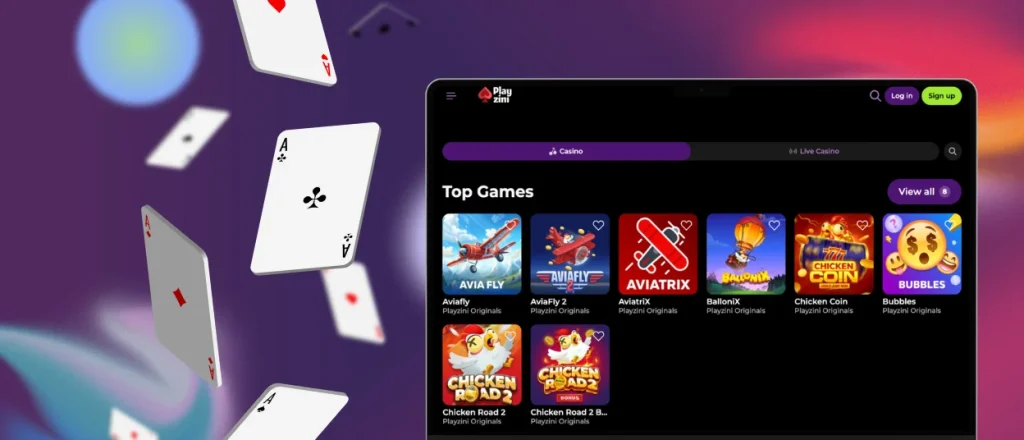
Desktop hardware provides an expanded display area for extended gaming sessions. Our platform supports current browsers on Windows and macOS. Registered members utilize a single account structure for PC and laptop access. High-resolution screens offer more room for the game lobby and live dealer tables and cashier tools.
Lobby icons on the computer screen start a session immediately. PC users choose the Playzini download app link to bypass standard site navigation. This setup skips browser tab layers and reaches the games instantly. Our Casino App button inside the main menu handles the installation sequence. The browser address bar displays a setup prompt for this technical process.
After setup, the desktop shortcut opens Playzini in a separate window instead of a regular browser tab. This helps members keep the lobby visible during longer sessions and reduces the chance of closing it by mistake. The Playzini app keeps the same account access across mobile and desktop devices. Larger monitors make it easier to browse game categories, live tables and account tools.
| Feature | Desktop App | Browser Version |
| Launch Method | Opens from a desktop icon. | Starts from the browser and site address. |
| Screen Use | Keeps the platform in a dedicated window. | Shows standard browser controls. |
| Notifications | Uses browser-based alert permissions. | Uses standard browser notification settings. |
| Loading | Reopens through saved shortcut access. | Depends on browser tabs and saved bookmarks. |
| Navigation | Keeps the casino separate from regular tabs. | Shares space with other browser pages. |
| RAM Use | Limits extra memory use from multiple casino tabs. | Memory use grows when several browser tabs stay open. |
Security and Payment Protection
Payment actions in the Playzini app use the same protected account environment as the desktop version. Data transfer runs through encrypted connections, and 256-bit encryption helps protect sensitive account and payment details during interaction with the platform.
Members manage deposits through the official account area. The browser-based structure keeps all payments and verification actions inside one protected platform environment.
FAQ
Are deposits safe when using the mobile app?
Payment actions use encrypted connections. Members can manage deposits and withdrawals straight in the app without any additional delays or fees.
Will the mobile app update automatically?
Opening the shortcut triggers updates through its PWA structure. Service Workers support cached resources and help repeat pages open more efficiently after the first session.
Does the Play Zini app support verification uploads?
Members complete verification through the account area after mobile setup. The mobile version supports document uploads from smartphones or tablets, so identity checks follow the same flow used on desktop.


